Part 6: Polygon Filling: Boundary-Fill, Flood-Fill & Scan-Line Algorithms
Area Filling & Solid Raster Primitives
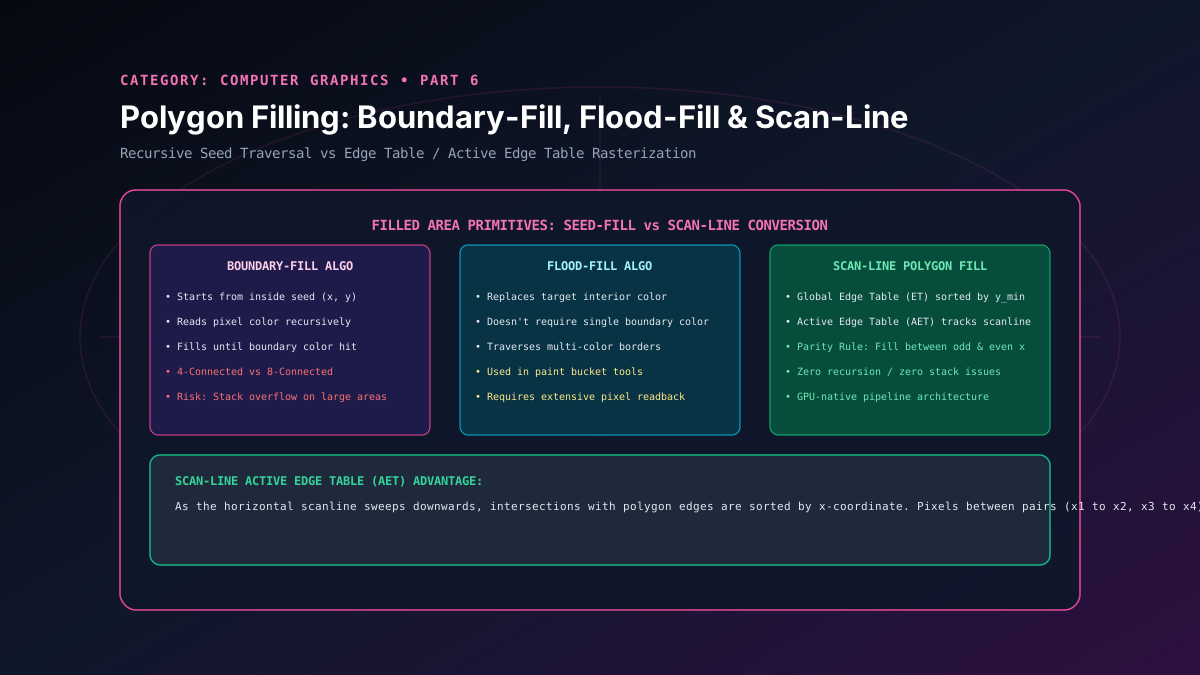
Drawing wireframe outlines is only the initial stage of computer graphics; rendering realistic solid objects requires filling bounded planar regions with solid colors, gradients, or textures. Polygon rasterization algorithms are broadly categorized into two paradigms: pixel-neighborhood flood algorithms (Boundary-Fill and Flood-Fill) and geometric raster-table algorithms (Scan-Line Polygon Fill). In this article, we dissect 4-connected vs 8-connected fill traversal, recursion stack limitations, parity rules, and the construction of Edge Tables (ET) and Active Edge Tables (AET).
1. Pixel Connectivity: 4-Connected vs. 8-Connected
4-Connected Neighborhood
A pixel at $(x, y)$ shares an edge with its 4 direct orthogonal neighbors: $(x+1, y)$, $(x-1, y)$, $(x, y+1)$, and $(x, y-1)$. Traversing only 4-connected neighbors guarantees that diagonal boundary lines are never penetrated or breached.
8-Connected Neighborhood
Includes the 4 orthogonal neighbors plus the 4 diagonal corner neighbors: $(x+1, y+1)$, $(x-1, y+1)$, $(x+1, y-1)$, and $(x-1, y-1)$. Caution: If a boundary is drawn with 8-connected single-pixel diagonal lines, an 8-connected fill algorithm will leak through the corners into the surrounding canvas.
2. Boundary-Fill & Flood-Fill Algorithms
Boundary-Fill: Starts at an interior seed point $(x, y)$ and paints adjacent pixels until it encounters pixels matching a designated boundaryColor.
void boundaryFill4(int x, int y, Color fillColor, Color boundaryColor) {
    Color current = getPixel(x, y);
    if (current != boundaryColor && current != fillColor) {
        setPixel(x, y, fillColor);
        boundaryFill4(x + 1, y, fillColor, boundaryColor);
        boundaryFill4(x - 1, y, fillColor, boundaryColor);
        boundaryFill4(x, y + 1, fillColor, boundaryColor);
        boundaryFill4(x, y - 1, fillColor, boundaryColor);
    }
}
Flood-Fill: Commonly used in graphics paint applications ("paint bucket tool"). Rather than checking for a boundary outline, it replaces an interconnected region of an existing oldColor with a newColor.
Architectural Limitation: Deep recursion causes stack overflow on high-resolution displays ($1920 \times 1080$ screens quickly exceed default thread stack memory). Production implementations utilize iterative scanline flood queues to bound memory usage.
3. Scan-Line Polygon Fill Algorithm
For arbitrary convex and concave geometric polygons, the standard hardware approach is the Scan-Line Polygon Fill Algorithm. It intersects each horizontal scan line $y$ with all polygon edges and fills pixels between pairs of intersections.
The Parity (Even-Odd) Rule
For any scan line, initialize parity to even (0). Scan pixels from left to right. Whenever an edge intersection is crossed, invert parity: odd (1) indicates inside the polygon (turn pixels ON); even (0) indicates outside (turn pixels OFF).
Edge Table (ET) & Active Edge Table (AET)
To avoid testing every edge on every scanline, the algorithm utilizes two optimized data structures:
- Edge Table (ET): An array of linked lists indexed by $y_{\min}$. Each record stores:
[y_max, x_at_ymin, 1/m, next_edge]Horizontal edges ($m = 0$) are discarded completely.
- Active Edge Table (AET): Contains edges that intersect the current scanline $y$. For each scanline step:
- Move edges from $ET[y]$ into the $AET$.
- Remove edges from $AET$ whose $y_{\max} == y$.
- Sort edges in $AET$ in ascending order of current $x$.
- Fill pixel spans between consecutive odd-even pairs of $x$ intersections.
- Increment $x$ for each edge: $x_{new} = x_{old} + \frac{1}{m}$.
Related reading
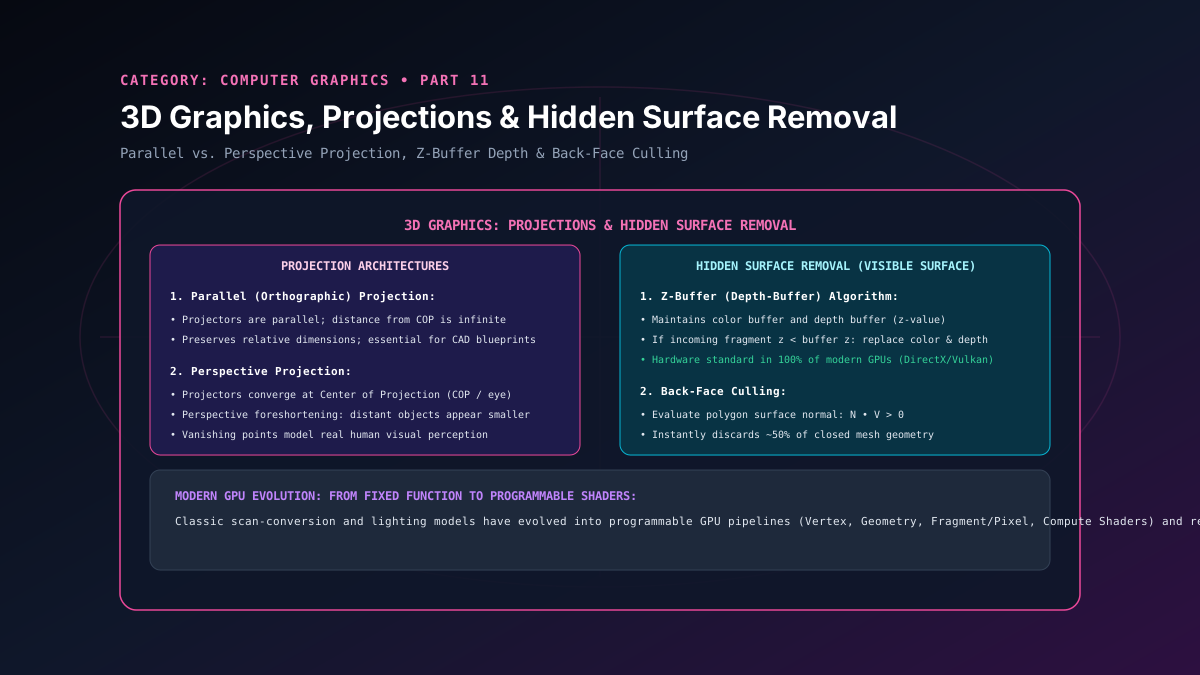
Part 11: 3D Graphics: Parallel & Perspective Projections & Hidden Surface Removal
A masterclass in 3D rendering pipelines, parallel and perspective projections, vanishing points, back-face culling, and GPU hardware Z-buffer depth testing.
By Super Admin
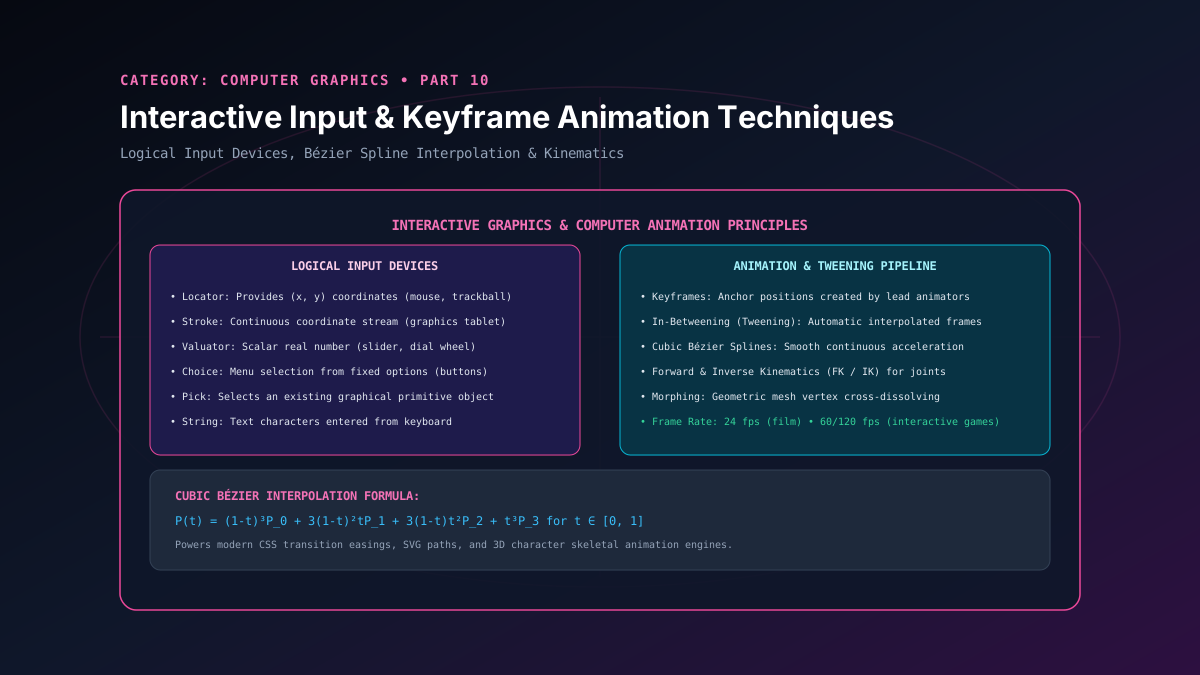
Part 10: Interactive Graphics & Computer Animation: Input Devices & Keyframes
A study of interactive input architectures and animation principles, covering logical input devices, keyframing, tweening, and cubic Bezier curve interpolation.
By Super Admin
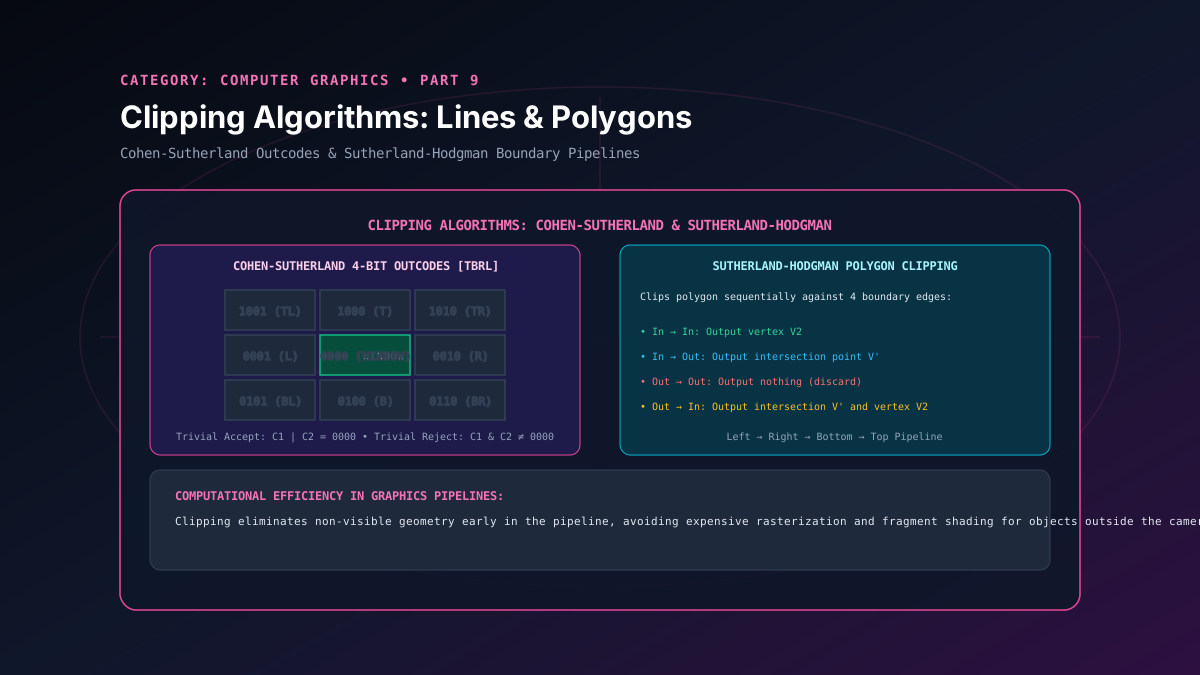
Part 9: Clipping Algorithms: Cohen-Sutherland Line & Sutherland-Hodgman Polygon
A deep analysis of 2D geometric clipping algorithms, detailing Cohen-Sutherland 4-bit region outcodes and Sutherland-Hodgman sequential polygon clipping.
By Super Admin
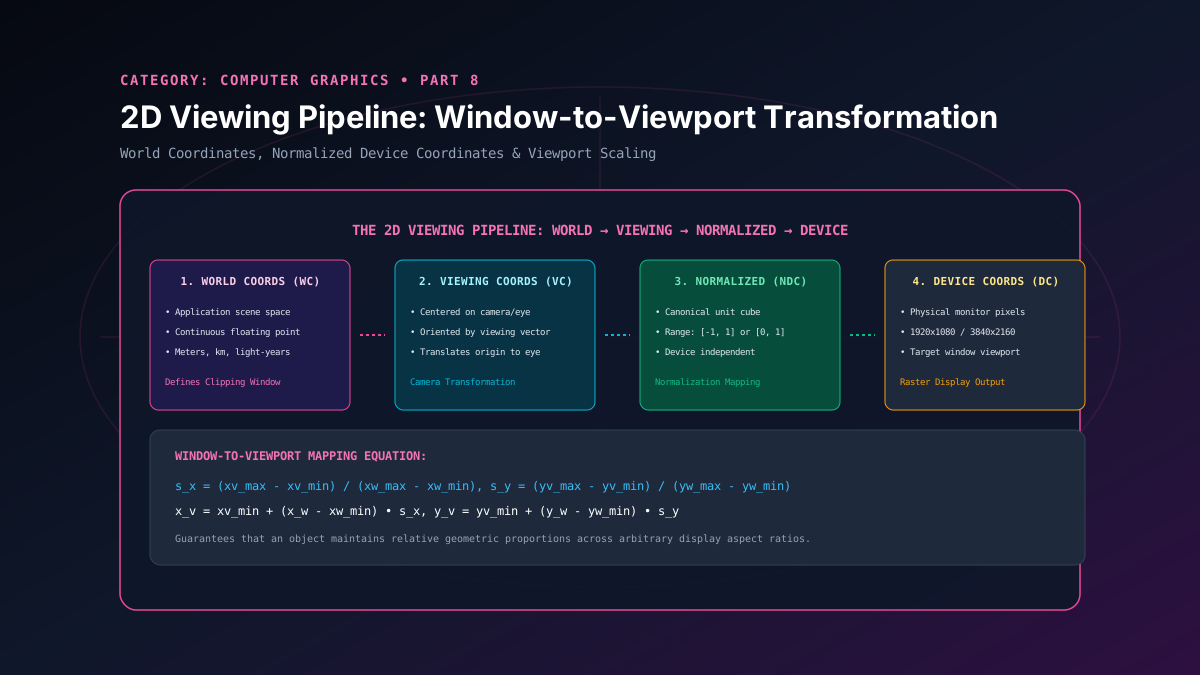
Part 8: 2D Viewing Pipeline: Window-to-Viewport Transformation Coordinates
A study of the 2D viewing transformation pipeline, detailing coordinate normalization, world window to viewport scaling derivation, and aspect ratio preservation.
By Super Admin