Part 10: Interactive Graphics & Computer Animation: Input Devices & Keyframes
User Interaction & Motion Synthesis
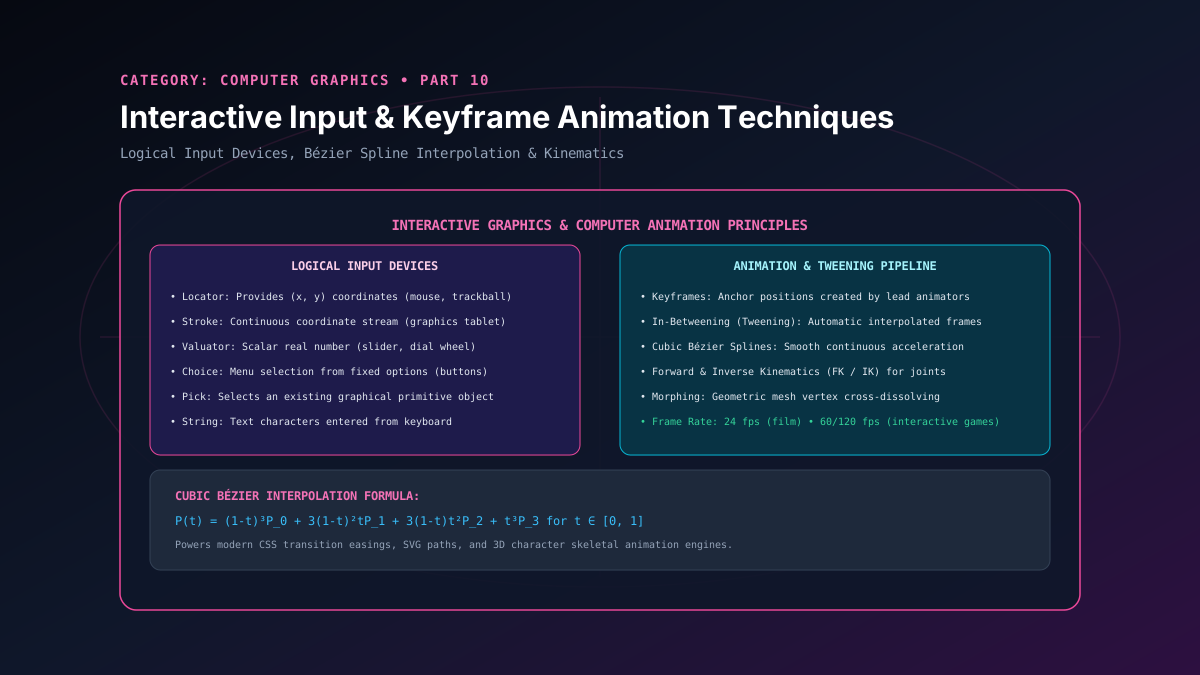
Computer graphics is fundamentally an interactive discipline: users manipulate virtual objects via input devices, and scenes react dynamically through continuous temporal motion. In graphical operating systems and game engines, physical hardware inputs are abstracted into standardized Logical Input Devices and processed via non-blocking event loops. Concurrently, temporal realism is synthesized through computer animation techniques, transitioning from manual keyframes to parametric Bézier splines, tweening, and kinematics. In this article, we examine both input architectures and animation interpolation mathematics.
1. Logical Input Device Abstraction
Rather than hardcoding graphics code to specific physical mice, styluses, or trackpads, graphics standards (such as GKS and OpenGL/Vulkan windowing toolkits) categorize input devices into six logical input classes based on the data type they return:
1. Locator
Returns a single coordinate point $(x, y)$ in world space (e.g. mouse click, stylus tip).
2. Stroke
Returns an ordered continuous sequence of coordinate points (e.g. digital freehand pen on drawing tablet).
3. Valuator
Returns a bounded scalar real number (e.g. rotary dial, scroll wheel, UI volume slider).
4. Choice
Returns a discrete non-negative integer selection from a menu or option list (e.g. radio buttons, gamepad triggers).
5. Pick
Returns the ID of a graphical primitive hit by the cursor (ray-picking against 3D mesh or 2D display list).
6. String
Returns a text character sequence from a physical keyboard or voice-to-text dictation engine.
2. Principles of Computer Animation: Keyframing & Tweening
In traditional hand-drawn animation, master animators drew the critical action boundaries—termed Keyframes—while junior animators drew the intervening intermediate frames—termed In-Betweening (or Tweening).
In computer graphics, tweening is completely automated via mathematical interpolation functions. Given parameter values $P_0$ at time $t_0$ and $P_1$ at time $t_1$:
- Linear Interpolation (Lerp):
P(t) = (1 - t) P_0 + t P_1, \quad t \in [0, 1]Produces mechanical, unnatural motion with abrupt velocity discontinuities at keyframes.
- Cubic Bézier Splines: Utilized in CSS animation easings, Blender curves, and video editing suites to produce smooth acceleration ("ease-in") and deceleration ("ease-out").
Cubic Bézier Interpolation Formula
Controlled by four anchor and guide points $P_0, P_1, P_2, P_3$:
The curve starts at $P_0$, ends at $P_3$, and its tangent slopes at endpoints are strictly aligned with $(P_1 - P_0)$ and $(P_3 - P_2)$, guaranteeing continuous $C^1$ velocity transitions.
3. Kinematics: Forward vs. Inverse Kinematics
Forward Kinematics (FK)
Given joint angles $(\theta_1, \theta_2, \dots, \theta_n)$ down an articulated skeletal hierarchy, compute the resulting end-effector position $(x, y, z)$ in world space via chained matrix transforms.
Inverse Kinematics (IK)
Given a desired target position for an end-effector (e.g. hand reaching for a door knob or foot planting on uneven terrain), solve backwards for the joint angles using Jacobian transpose or cyclic coordinate descent (CCD).
Related reading
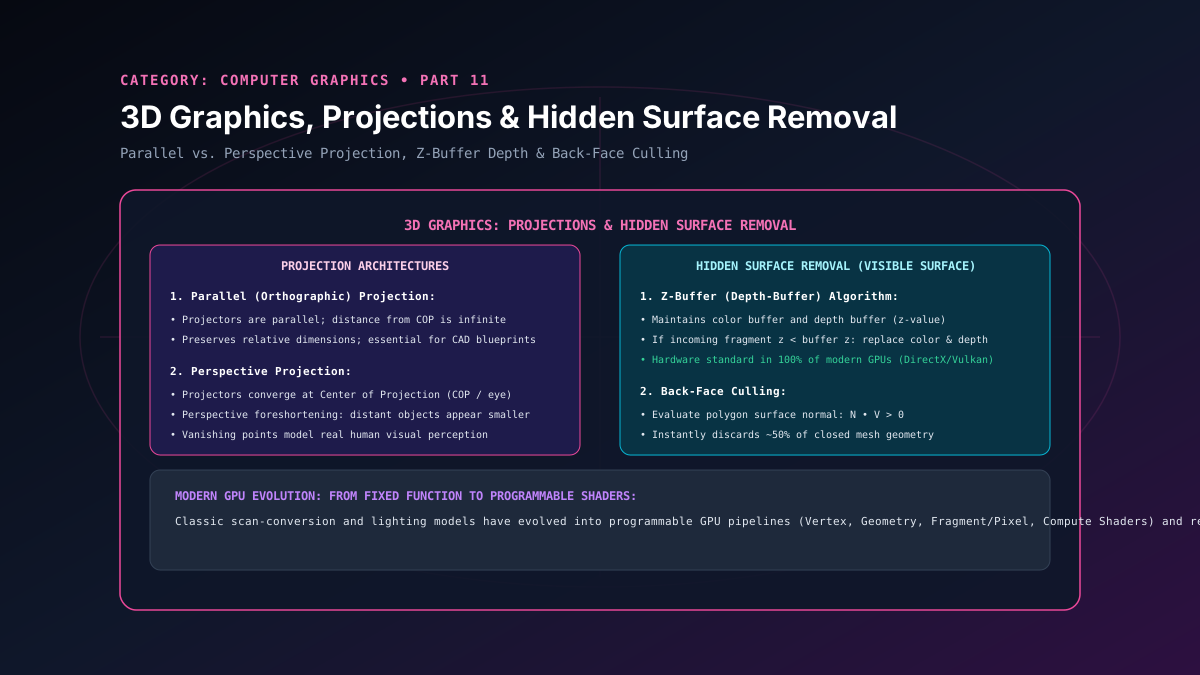
Part 11: 3D Graphics: Parallel & Perspective Projections & Hidden Surface Removal
A masterclass in 3D rendering pipelines, parallel and perspective projections, vanishing points, back-face culling, and GPU hardware Z-buffer depth testing.
By Super Admin
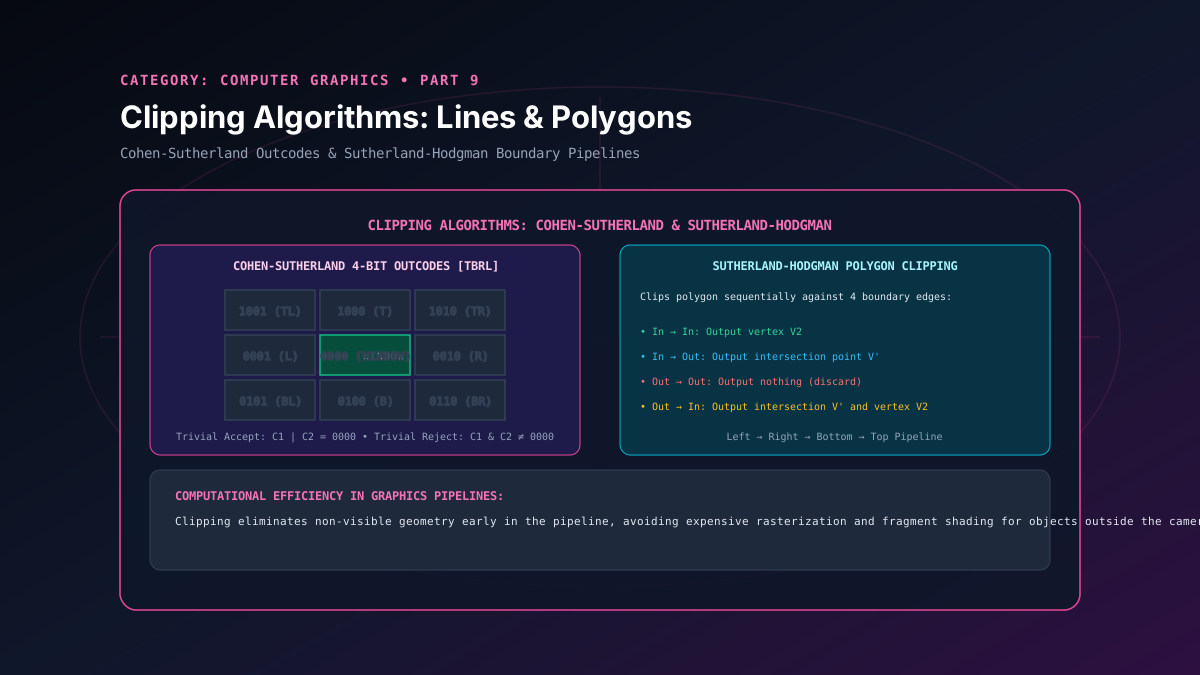
Part 9: Clipping Algorithms: Cohen-Sutherland Line & Sutherland-Hodgman Polygon
A deep analysis of 2D geometric clipping algorithms, detailing Cohen-Sutherland 4-bit region outcodes and Sutherland-Hodgman sequential polygon clipping.
By Super Admin
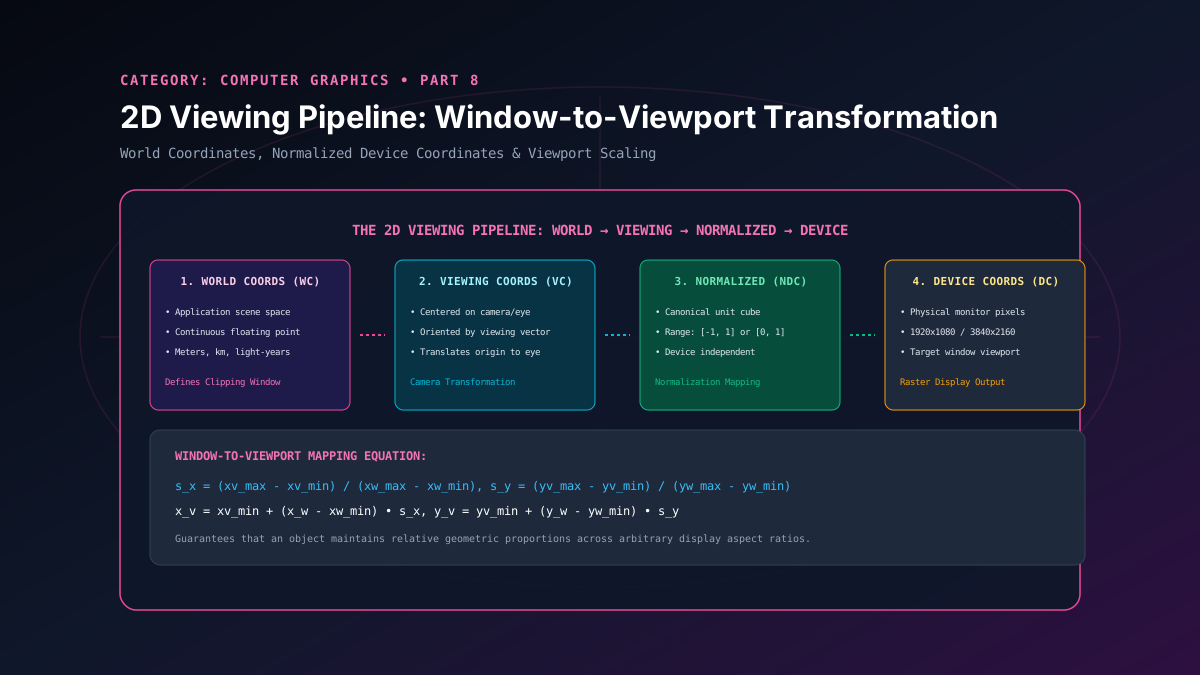
Part 8: 2D Viewing Pipeline: Window-to-Viewport Transformation Coordinates
A study of the 2D viewing transformation pipeline, detailing coordinate normalization, world window to viewport scaling derivation, and aspect ratio preservation.
By Super Admin
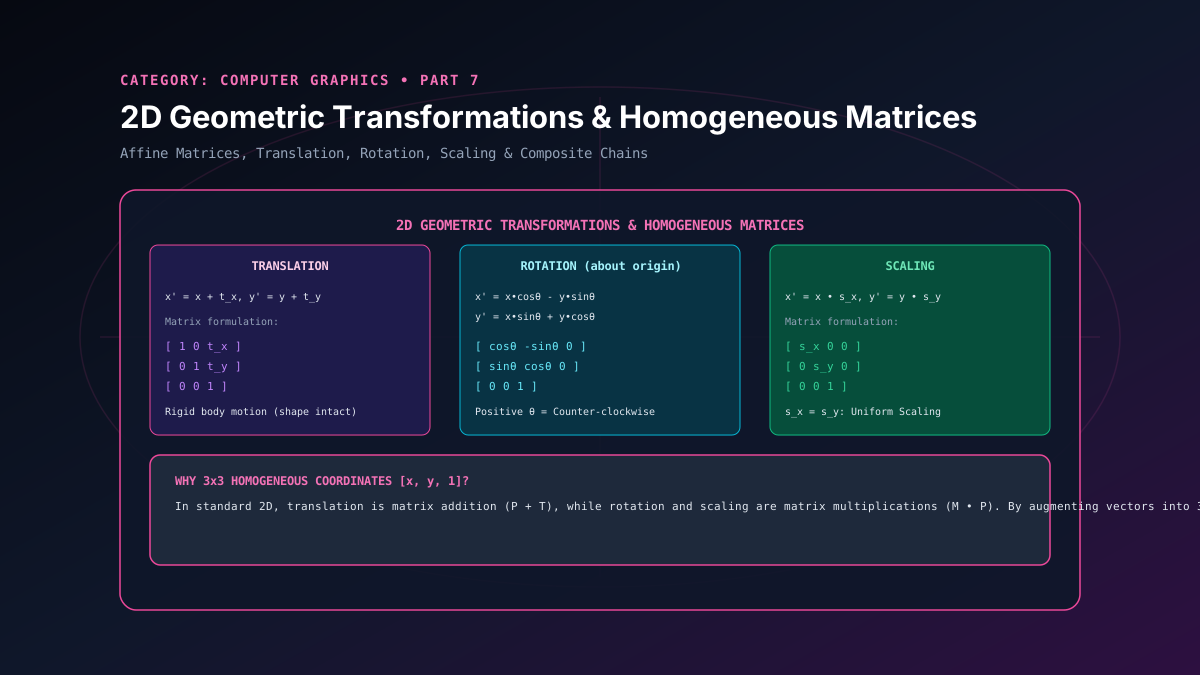
Part 7: 2D Geometric Transformations: Translation, Scaling, Rotation & Matrices
A rigorous exploration of 2D affine geometric transformations, homogeneous coordinates, 3x3 transformation matrices, and composite pivot-point rotations.
By Super Admin