Part 3: HTTP vs HTTPS: SSL/TLS 1.3 Handshake, Cryptography & Modern Web Protocols
Lesson Overview & Learning Objectives
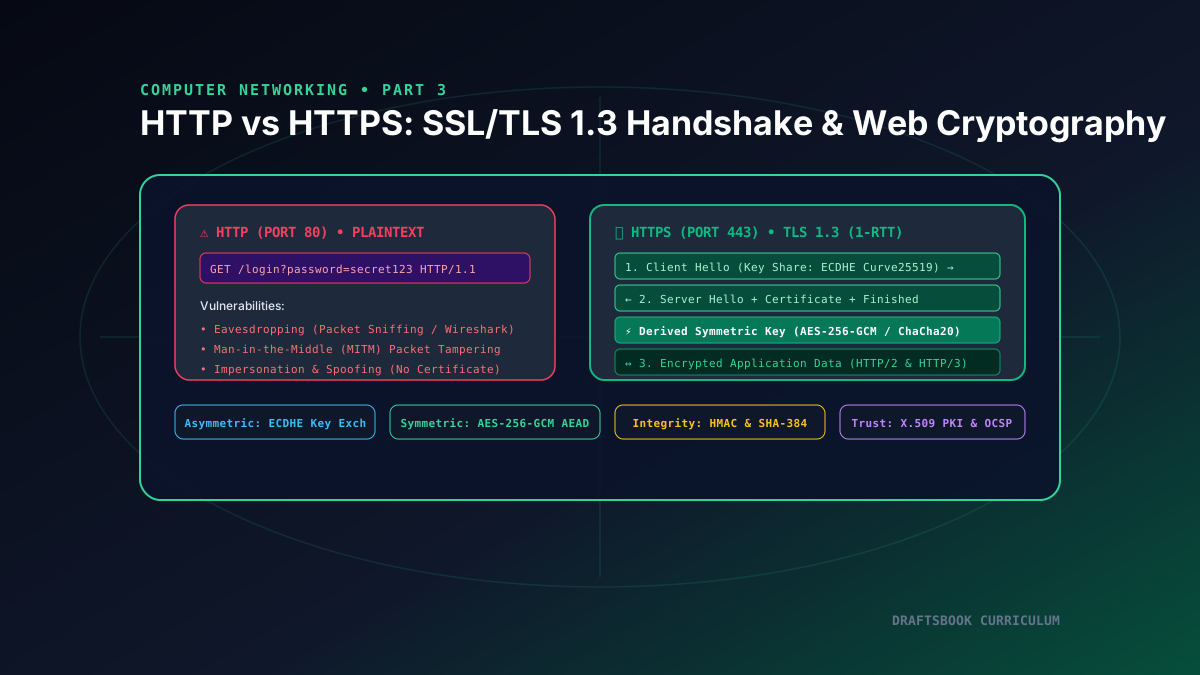
Hypertext Transfer Protocol (HTTP) is the lifeblood of the World Wide Web. However, raw HTTP (port 80) transmits all data in plaintext, exposing passwords, cookies, and sensitive financial payloads to packet sniffers and Man-in-the-Middle (MITM) attacks. HTTPS (Hypertext Transfer Protocol Secure) solves this by encapsulating HTTP inside an encrypted Transport Layer Security (TLS) channel on port 443. In this installment, we analyze the cryptographic differences between HTTP and HTTPS, explore hybrid cryptography, walk through the 1-RTT TLS 1.3 handshake, and inspect X.509 Certificate Authorities.
1. Why Plaintext HTTP Fails: The Threat Landscape
When communicating over HTTP without encryption, any router or network device along the transmission path can observe and alter the data packets:
👁 Eavesdropping (Sniffing)
Any rogue node on a shared Wi-Fi network or compromised ISP router can run packet inspection tools (like Wireshark or tcpdump) to capture authentication session cookies, bearer tokens, and credit card numbers.
✏ Tampering (Data Integrity)
Adversaries can alter HTTP responses in transit, injecting malicious JavaScript, cryptominers, or spoofed login forms into legitimately visited websites without the client or server detecting changes.
🎭 Impersonation (Spoofing)
Without digital identity certificates, a malicious server can masquerade as your bank's IP address (via ARP spoofing or DNS poisoning), intercepting all client communications unchecked.
2. Hybrid Cryptography: Asymmetric vs. Symmetric Encryption
HTTPS achieves both maximum security and high performance by combining two cryptographic paradigms into a Hybrid Cryptosystem:
| Category | Cryptographic Algorithms | Computational Cost | Role in HTTPS / TLS |
|---|---|---|---|
| Asymmetric Encryption (Public / Private Key) | RSA-2048/4096, ECDSA, ECDHE (Curve25519) | High CPU intensive (modular exponentiation & elliptic curves) | Authenticates the server identity and securely exchanges shared secret material during the initial handshake. |
| Symmetric Encryption (Single Shared Key) | AES-256-GCM, ChaCha20-Poly1305 | Extremely fast (Hardware accelerated via CPU AES-NI instructions) | Encrypts and authenticates 100% of actual application data payloads (HTML, CSS, JSON APIs, images). |
3. The Modern TLS 1.3 Handshake (1-RTT)
In older TLS versions (TLS 1.2), establishing an encrypted session required two full Round Trip Times (2-RTT) of negotiation. TLS 1.3 (RFC 8446) streamlined the protocol down to a single round-trip (1-RTT) by guessing the key agreement algorithm upfront:
The browser sends a ClientHello containing supported cipher suites, the target hostname via Server Name Indication (SNI), and preemptively generates and includes an Elliptic Curve Diffie-Hellman Ephemeral (ECDHE) Key Share.
The server selects the cipher suite, sends its own ECDHE Key Share, delivers its X.509 digital certificate signed by a trusted CA, and verifies certificate ownership. Both client and server immediately derive identical symmetric session keys!
The client verifies the server certificate against its local root trust store. Both parties immediately begin transmitting encrypted HTTP/2 or HTTP/3 frames using authenticated symmetric encryption (AES-256-GCM).
4. Public Key Infrastructure (PKI) and Certificate Authorities
How does your browser know that a public key genuinely belongs to draftsbook.com and not an impostor? Through Public Key Infrastructure (PKI):
- Certificate Authorities (CAs): Trusted cryptographic authorities (such as Let's Encrypt, DigiCert, Sectigo) whose root certificates are hardcoded into operating systems and browsers.
- X.509 Digital Certificates: Contain the domain name, issuer CA, expiration date, server's public key, and a digital signature created using the CA's private key.
- Revocation Verification: Browsers verify certificate revocation status using Online Certificate Status Protocol (OCSP) stapling to ensure compromised keys are invalidated instantly.
Related reading
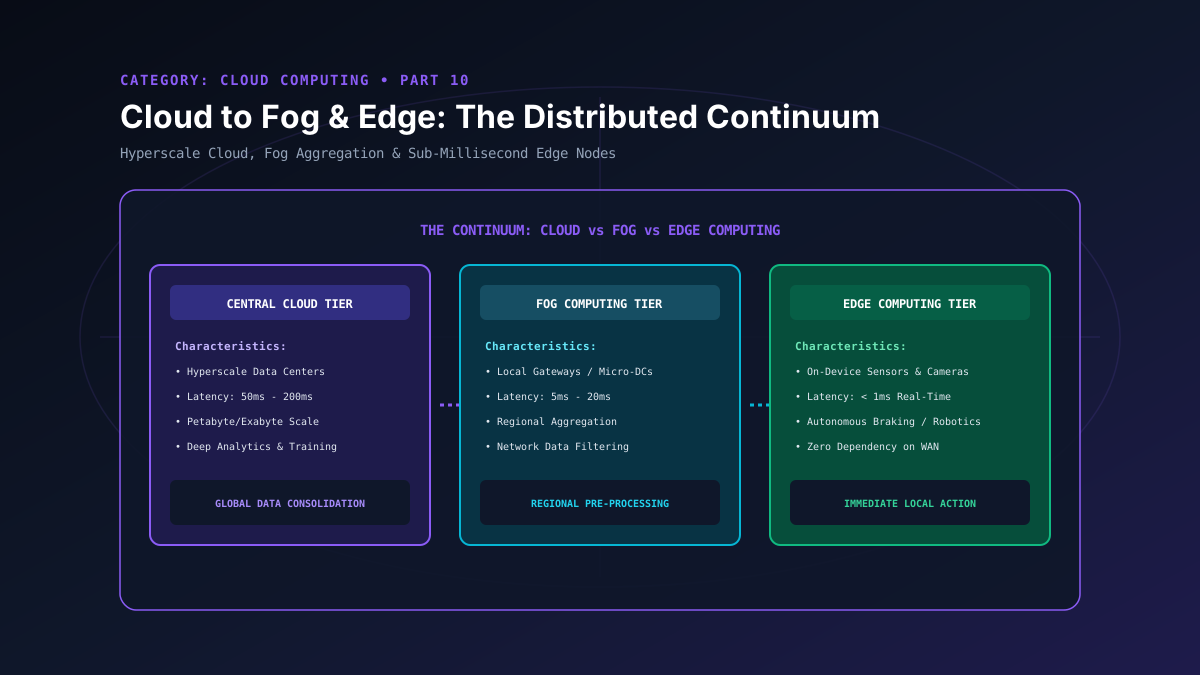
Part 10: Cloud to Fog & Edge: Architecting the Distributed Continuum
Explore the distributed computing continuum: compare centralized cloud, fog computing gateways, and real-time edge nodes for latency-critical IoT systems.
By Md. Harun-Or-Roshid
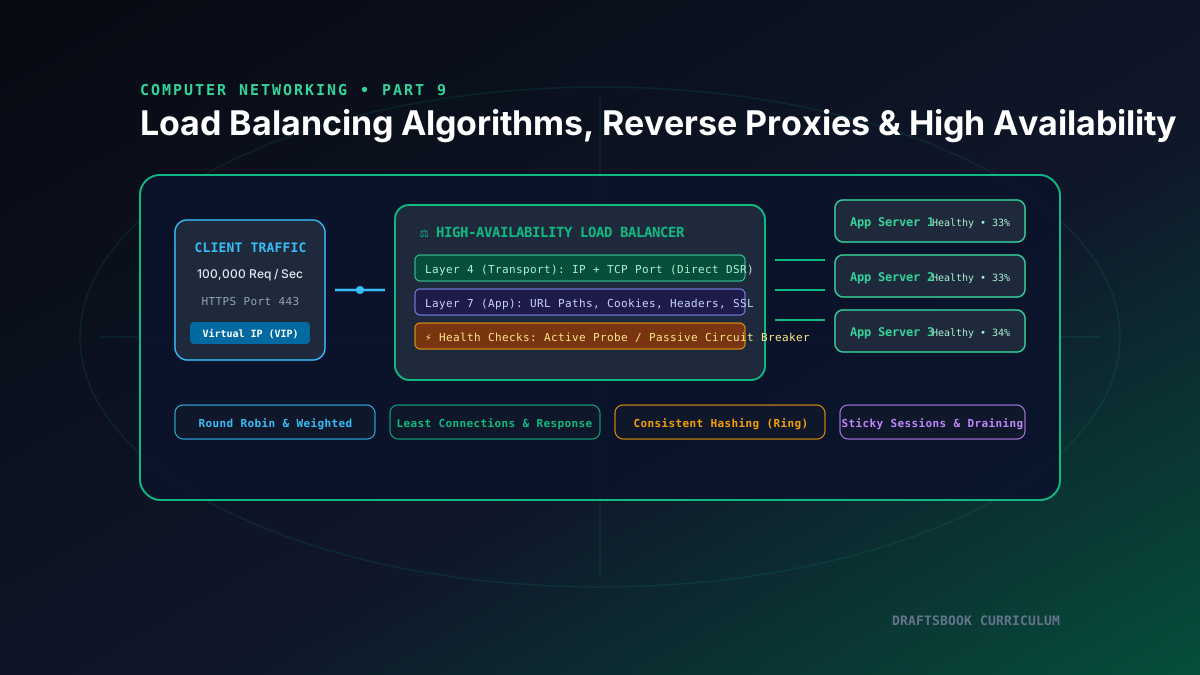
Part 9: Load Balancing: Layer 4 vs Layer 7, Algorithms, Reverse Proxies & High Availability
Master high-availability load balancing, comparing Layer 4 transport vs Layer 7 application routing, consistent hashing rings, and health checks.
By Md. Harun-Or-Roshid
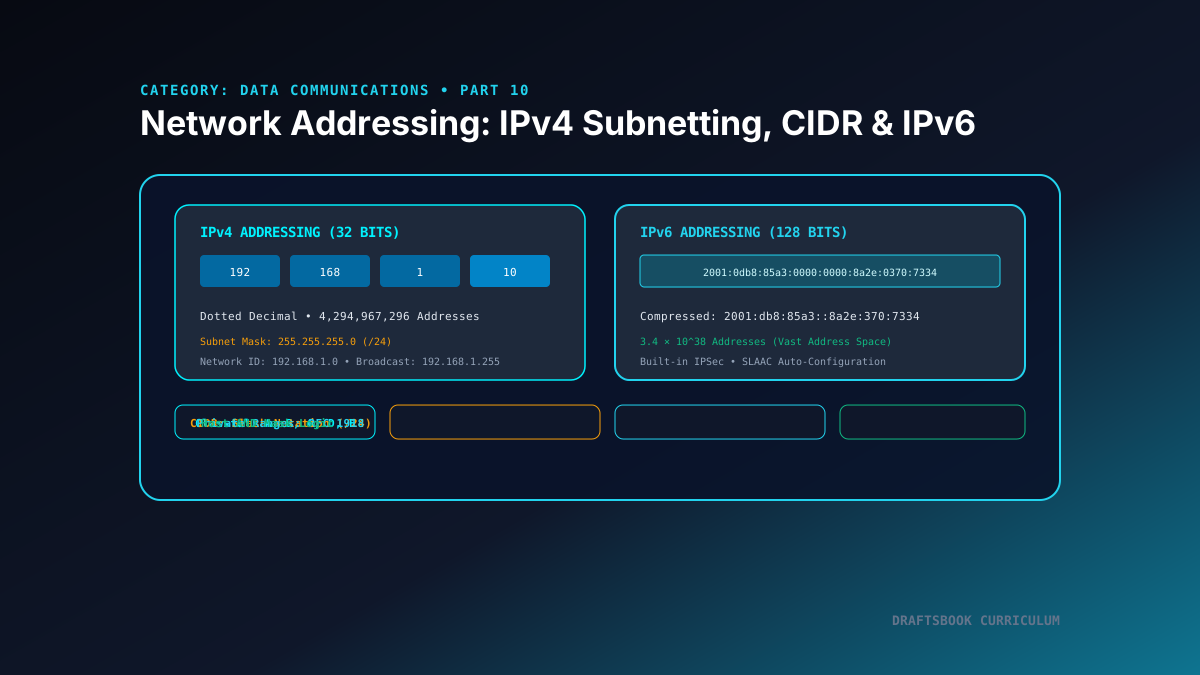
Part 10: Network Layer Addressing: IPv4 Subnetting, CIDR & IPv6 Architecture
Master logical network addressing: explore IPv4 classful ranges, CIDR slash notation, subnet mask bitwise ANDing, and modern 128-bit IPv6 architecture.
By Md. Harun-Or-Roshid
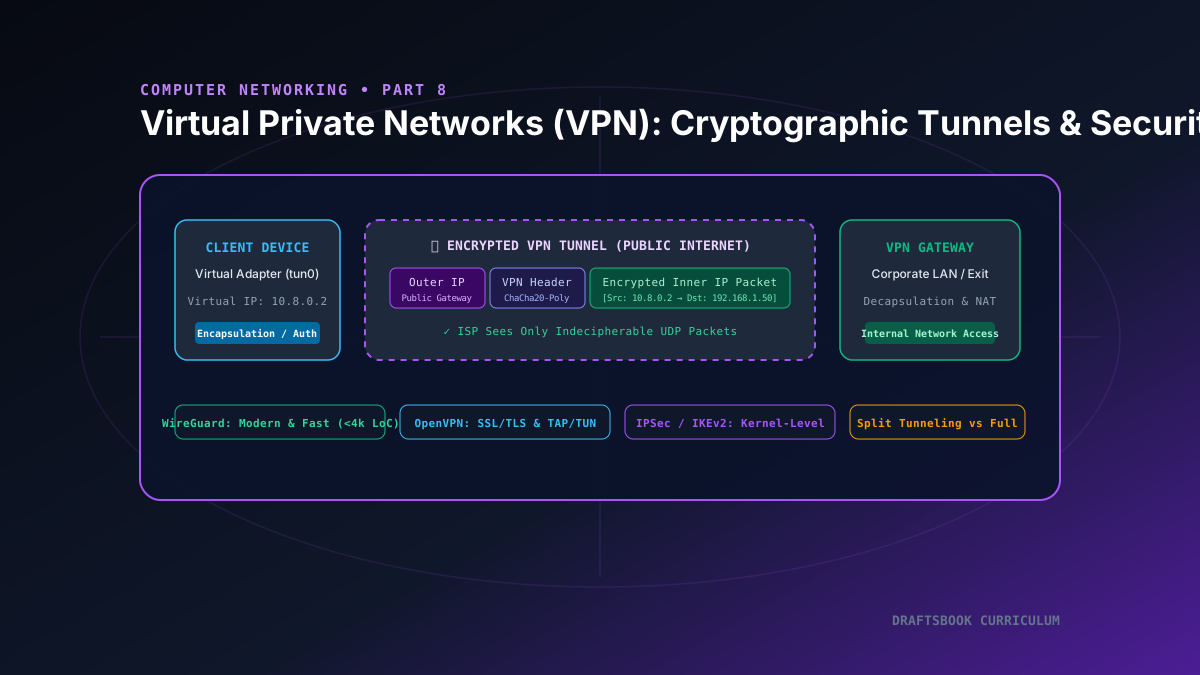
Part 8: VPN Explained: Cryptographic Tunnels, WireGuard, IPSec & Network Privacy
A deep dive into Virtual Private Networks, examining cryptographic packet encapsulation, virtual TUN/TAP adapters, WireGuard, and IPSec.
By Md. Harun-Or-Roshid