How to Give Google Antigravity Direct SSH Access to Remote Servers (Proxmox & Linux)
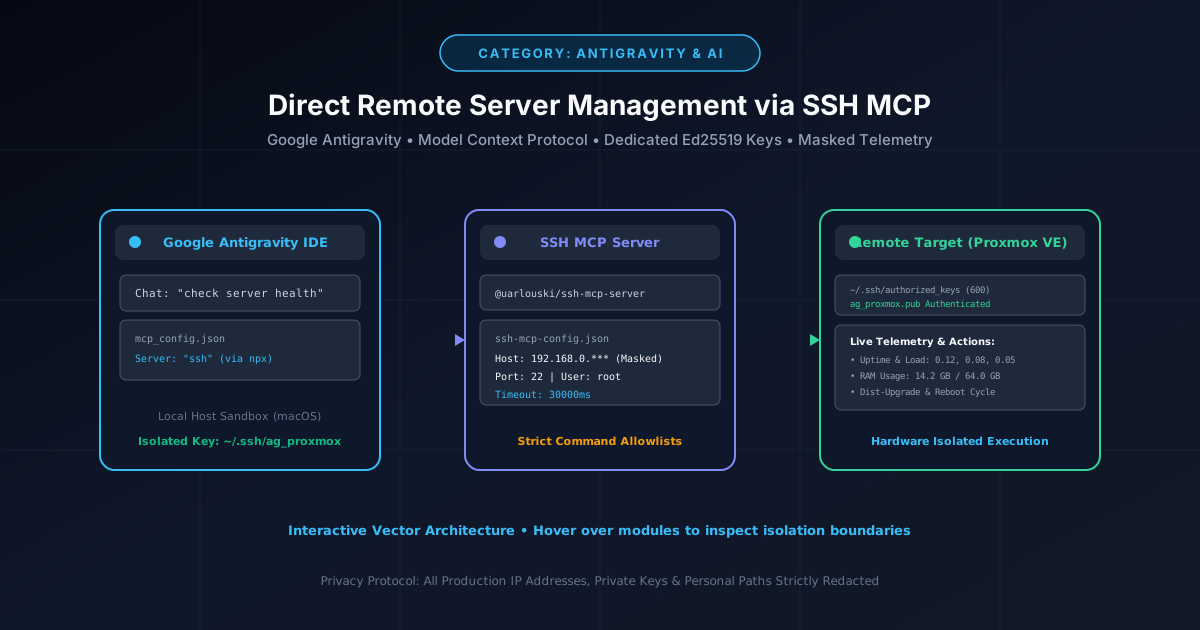
Executive Summary & Overview
Modern autonomous AI coding assistants like Google Antigravity provide unprecedented software engineering velocity. However, by default, these agents are intentionally sandboxed within your local operating system workspace. When developers ask their AI co-pilot to inspect a home lab, query a Proxmox hypervisor, troubleshoot a remote Docker container, or perform routine server updates, the agent hits an impenetrable boundary: "I cannot connect directly to remote infrastructure."
In this comprehensive engineering guide, we build a secure, production-grade bridge using the Model Context Protocol (MCP) and an open-source SSH MCP server. You will learn how to generate dedicated, isolated cryptographic keys, configure strict command allowlists, mask sensitive network telemetry, and empower Antigravity to perform live server health audits, automated package upgrades, repository troubleshooting, and monitored reboots across your remote Linux fleet.
Figure 1: Architectural flow — Antigravity Agent communicating over the Model Context Protocol to execute privileged remote operations with masked credentials.
1. The Architecture of AI Agent Remote Access
Before deploying remote execution capabilities, software engineers must understand the underlying trust boundaries. Traditional interactive terminal sessions require a human engineer to authenticate via biometrics, passphrase-protected keys, or two-factor hardware tokens. In contrast, an AI agent operates autonomously in request-response cycles.
The Naïve (Dangerous) Anti-Pattern
Sharing your personal primary SSH key (~/.ssh/id_rsa or ~/.ssh/id_ed25519) directly with an agent or passing unrestricted root passwords inside system prompts.
The Principle of Least Privilege (MCP Architecture)
Creating a dedicated, purpose-built SSH key pair exclusively for the AI agent, combined with an MCP daemon that enforces command execution boundaries and network masking.
2. Step 1: Generate a Dedicated Ed25519 Key Pair
Open a terminal on your host machine (macOS / Linux). We generate an elliptic-curve Ed25519 key pair with zero passphrase (-N ""), enabling non-interactive authentication for the MCP background process:
# Generate dedicated, passphrase-less Ed25519 key for Antigravity
ssh-keygen -t ed25519 -N "" -f ~/.ssh/ag_proxmox -C "ag_proxmox"

# Enforce strict local filesystem permissions (Owner Read/Write only)
chmod 600 ~/.ssh/ag_proxmox
chmod 644 ~/.ssh/ag_proxmox.pub
This command creates two discrete files within your local ~/.ssh/ directory:
~/.ssh/ag_proxmox: The private key that stays securely stored on your local machine and is referenced only by the MCP configuration.~/.ssh/ag_proxmox.pub: The public key that will be authorized on the target remote server.
3. Step 2: Authorize the Public Key on Your Remote Server
Next, append the public key to the remote server's authorized_keys list. If your workstation has direct network connectivity to the remote target (e.g., a local Proxmox VE node at 192.168.0.***), use ssh-copy-id:
# Install the public key directly to your remote server
ssh-copy-id -i ~/.ssh/ag_proxmox.pub [email protected].***
Alternatively, if you are logged into your remote server's web shell or serial console, append the public key string manually and ensure strict permissions:
# On the remote server (e.g. Proxmox / Ubuntu)
mkdir -p ~/.ssh
chmod 700 ~/.ssh

# Append your masked public key
echo "ssh-ed25519 AAAAC3NzaC1lZDI1NTE5AAAAI...[REDACTED_PUBLIC_KEY]... ag_proxmox" >> ~/.ssh/authorized_keys
chmod 600 ~/.ssh/authorized_keys
4. Step 3: Configure the SSH MCP Server (`ssh-mcp-config.json`)
To bridge Google Antigravity to the remote server, we deploy the open-source @uarlouski/ssh-mcp-server daemon. Create a dedicated configuration file at ~/.gemini/config/ssh-mcp-config.json:
{
  "servers": {
    "proxmox": {
      "host": "192.168.0.***",
      "port": 22,
      "username": "root",
      "privateKeyPath": "~/.ssh/ag_proxmox"
    },
    "vps-production": {
      "host": "10.0.0.***",
      "port": 2222,
      "username": "deploy",
      "privateKeyPath": "~/.ssh/ag_proxmox",
      "allowedCommands": [
        "uptime",
        "free -m",
        "df -h",
        "docker ps",
        "systemctl status nginx"
      ]
    }
  },
  "commandTimeout": 30000
}allowedCommands array. When managing multi-tenant or production nodes, you can restrict the AI agent to non-destructive diagnostic binaries (e.g., uptime, free, docker ps), preventing accidental execution of destructive commands.
5. Step 4: Register the MCP in Google Antigravity (`mcp_config.json`)
Now, register the server inside Antigravity's master Model Context Protocol configuration located at ~/.gemini/config/mcp_config.json:
{
  "mcpServers": {
    "ssh": {
      "command": "npx",
      "args": [
        "-y",
        "@uarlouski/ssh-mcp-server@latest",
        "--configPath=/Users/<USERNAME>/.gemini/config/ssh-mcp-config.json"
      ]
    }
  }
}/Users/<USERNAME>/ with your active macOS or Linux home directory path. After saving mcp_config.json, reload your Antigravity IDE or trigger a new session to initialize the tools.
6. Step 5: Real-World Execution Scenarios
With the bridge established, Antigravity has native tool calls to query and administer remote servers directly from the chat window.
Scenario A: Instant Fleet Health Audit
Prompt: "check server health"
Antigravity invokes the SSH MCP server, issues diagnostic queries in parallel, masks sensitive hardware addresses, and presents a clean Markdown operational scorecard:
| Metric | Observed Telemetry | Status |
|---|---|---|
| System Uptime | 42 days, 18:24 | Healthy |
| Load Average | 0.14, 0.09, 0.06 (8 Cores) | Low Utilization |
| Memory (RAM) | 14.2 GB Used / 64.0 GB Total (22%) | Optimal |
| Root ZFS Pool | 412 GB Used / 1.8 TB Total (23%) | Healthy |
Scenario B: Automated Upgrades & Repository Troubleshooting
Prompt: "update and upgrade the hypervisor"
During automated Proxmox VE updates, non-subscription nodes routinely encounter HTTP 401 Unauthorized errors when attempting to query the enterprise package lists:
E: Failed to fetch https://enterprise.proxmox.com/debian/pve/... 401 Unauthorized [IP: 192.168.0.***]
Autonomous AI Remediation: Detecting the repository failure, Antigravity automatically comments out the commercial repository inside /etc/apt/sources.list.d/pve-enterprise.list, appends the community pve-no-subscription source, refreshes the cache via apt-get update, upgrades over 190 packages, compiles updated DKMS modules for the new Linux kernel, and requests confirmation prior to issuing a system reboot.
Scenario C: Monitored Reboot & Port 22 Polling
Prompt: "go ahead and reboot"
Instead of firing a blind reboot command and terminating the conversation, Antigravity issues the reboot, continuously polls port 22 until the SSH daemon returns to an operational state, and verifies that the new kernel (e.g., Linux pve 6.8.12-2-pve) has booted cleanly.
7. Production Hardening & Security Checklist
Before deploying agentic SSH capabilities across mission-critical corporate infrastructure, review the following security guidelines:
- Dedicated Service User: Create an isolated user account (e.g.,
antigravity) rather than authorizing keys directly forroot. Grant selective sudoers permissions in/etc/sudoers.d/antigravity. - Network Isolation: Restrict inbound SSH traffic to your administrative VPN or private overlay network (Tailscale / WireGuard), ensuring port 22 is never exposed directly to the public internet.
- Session Audit Logging: Configure system-wide auditd or shell command logging (
pam_tty_audit.so) to maintain an immutable record of every instruction executed by the AI agent. - Data Redaction: When reviewing AI transcripts, ensure public IP addresses, private subnets, and customer tokens are masked.
Conclusion & What's Next
By pairing Google Antigravity with the Model Context Protocol, developers bridge the gap between static local code assistance and intelligent infrastructure management. In upcoming articles, we will explore container orchestration management with Docker and Kubernetes MCP servers.
Related reading
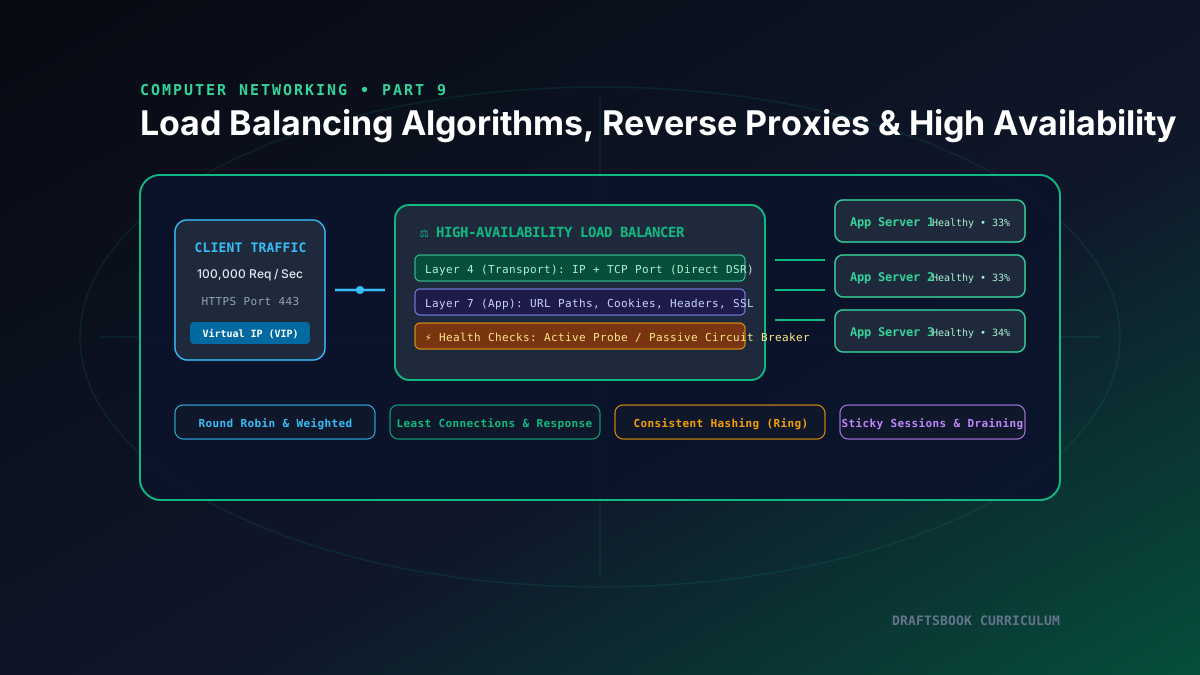
Part 9: Load Balancing: Layer 4 vs Layer 7, Algorithms, Reverse Proxies & High Availability
Master high-availability load balancing, comparing Layer 4 transport vs Layer 7 application routing, consistent hashing rings, and health checks.
By Md. Harun-Or-Roshid
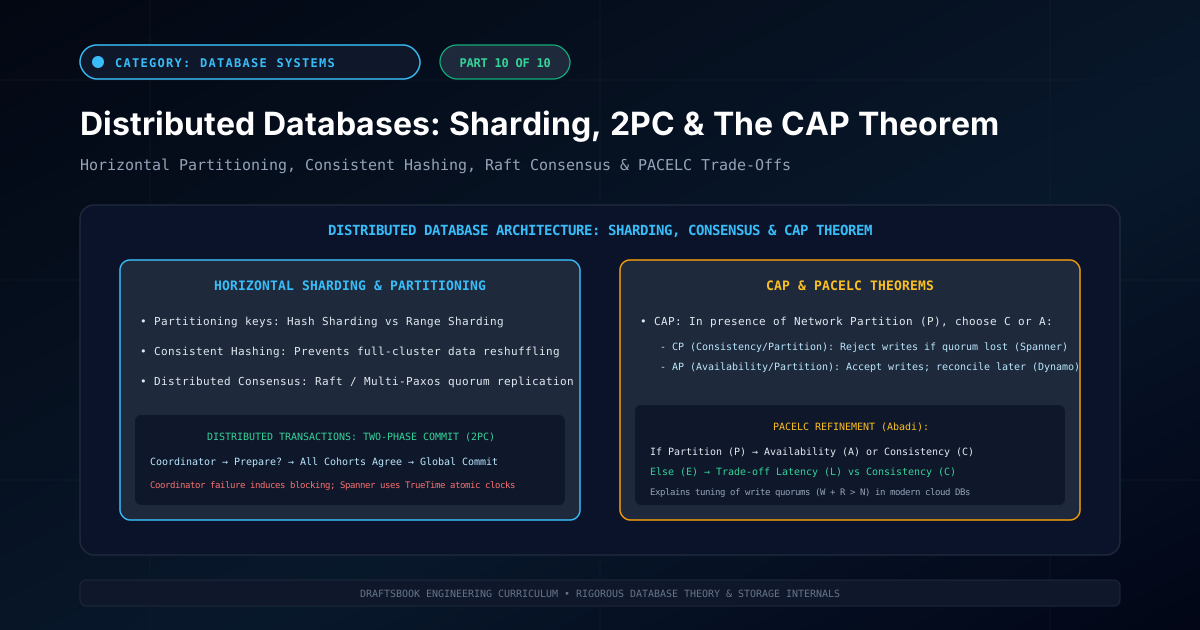
Part 10: Distributed Databases: Partitioning, Sharding, 2PC & CAP Theorem
Master distributed database architecture: horizontal sharding, consistent hashing, two-phase commit (2PC), CAP theorem trade-offs, and NewSQL engines.
By Md. Harun-Or-Roshid
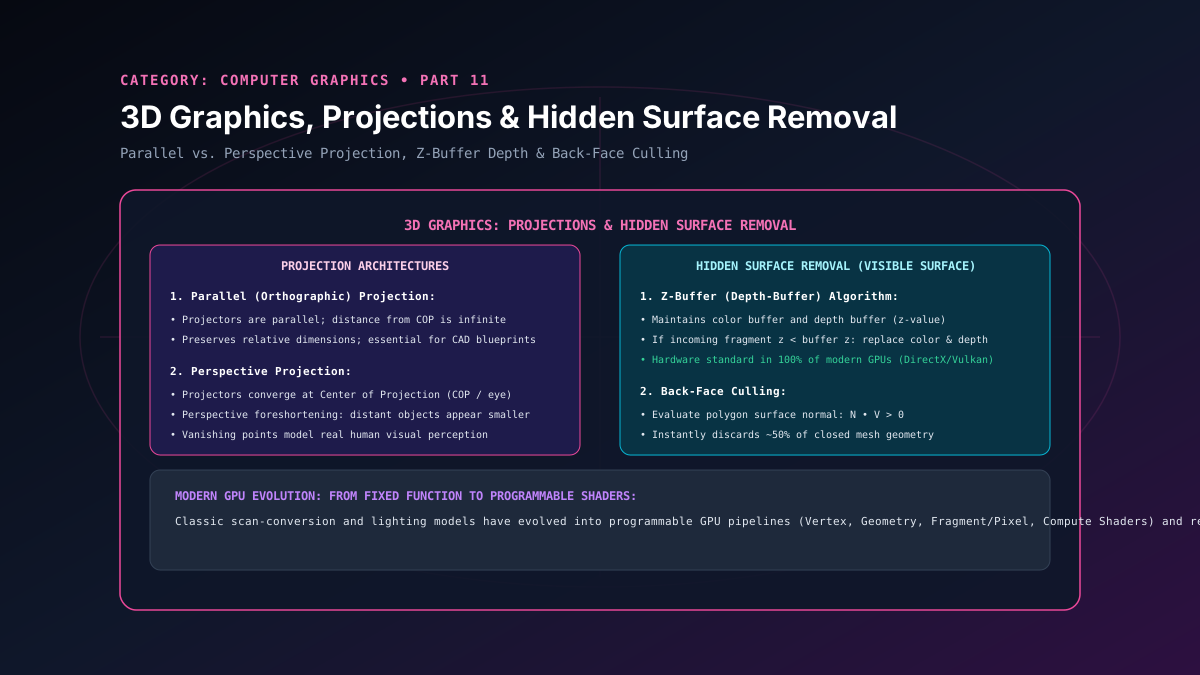
Part 11: 3D Graphics: Parallel & Perspective Projections & Hidden Surface Removal
A masterclass in 3D rendering pipelines, parallel and perspective projections, vanishing points, back-face culling, and GPU hardware Z-buffer depth testing.
By Md. Harun-Or-Roshid
Part 10: Multicore Systems: SMP, NUMA Architecture & Amdahl's Law Scaling
A study of multicore scalability, exploring Symmetric Multiprocessing (SMP), Non-Uniform Memory Access (NUMA), Amdahl's law, and on-chip mesh Networks-on-Chip.
By Md. Harun-Or-Roshid